Your research, where you work
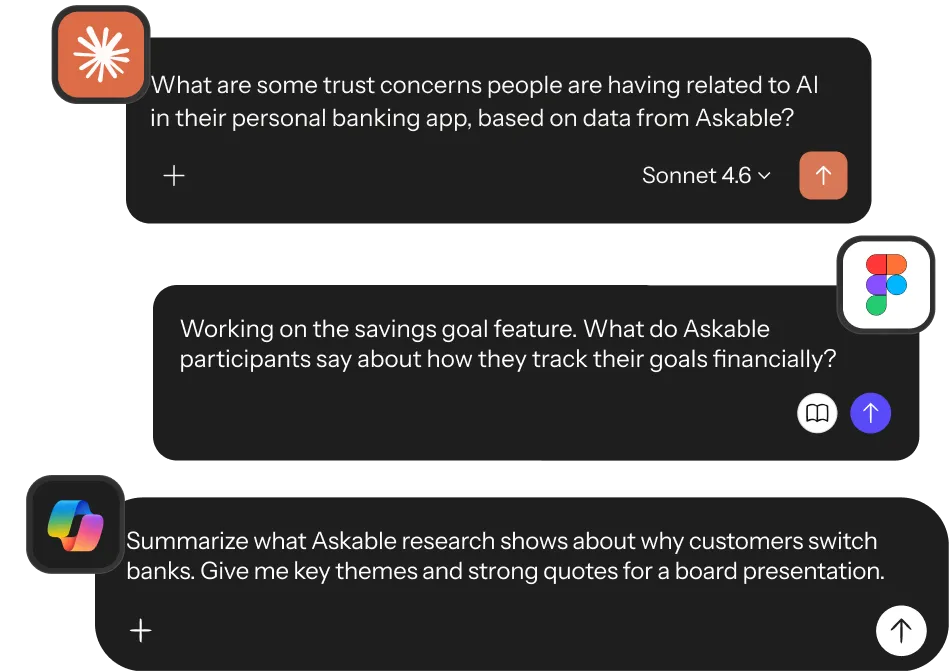
Ask your research from Claude, ChatGPT, Copilot or Figma, and get the same insights and source links you'd get in Askable. So the rest of the team can ask too, in the tool they already have open.
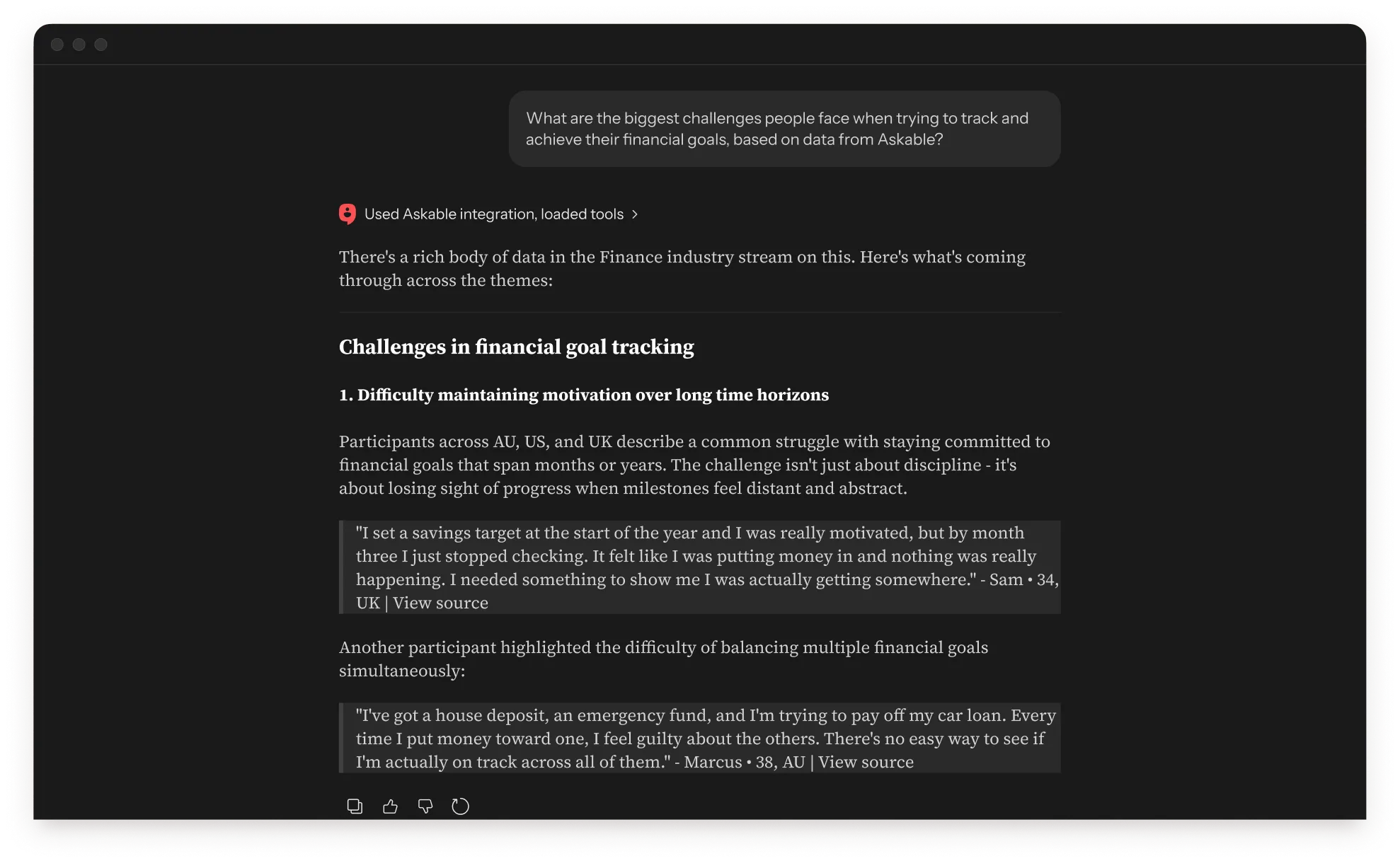
Connect your tool once, then ask
Works with any MCP-compatible client, including Claude, ChatGPT, Figma, Gemini and Copilot. Every answer traces back to a real quote, a real participant and the moment it happened.
.webp)
Different tools, one live repository
A designer, an engineer and a PM, each in the tool they already use, reading the same evidence with the same sources attached.
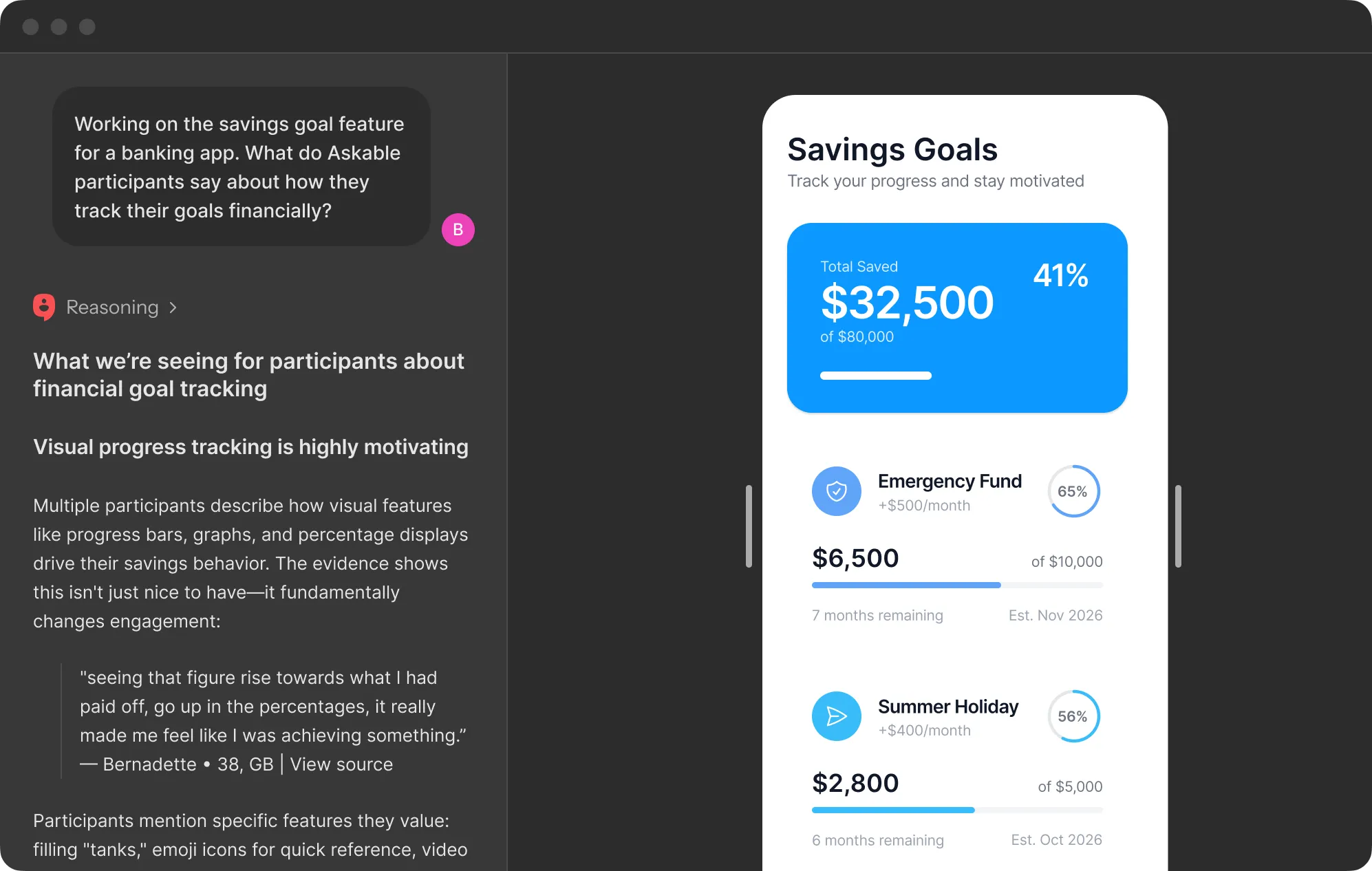
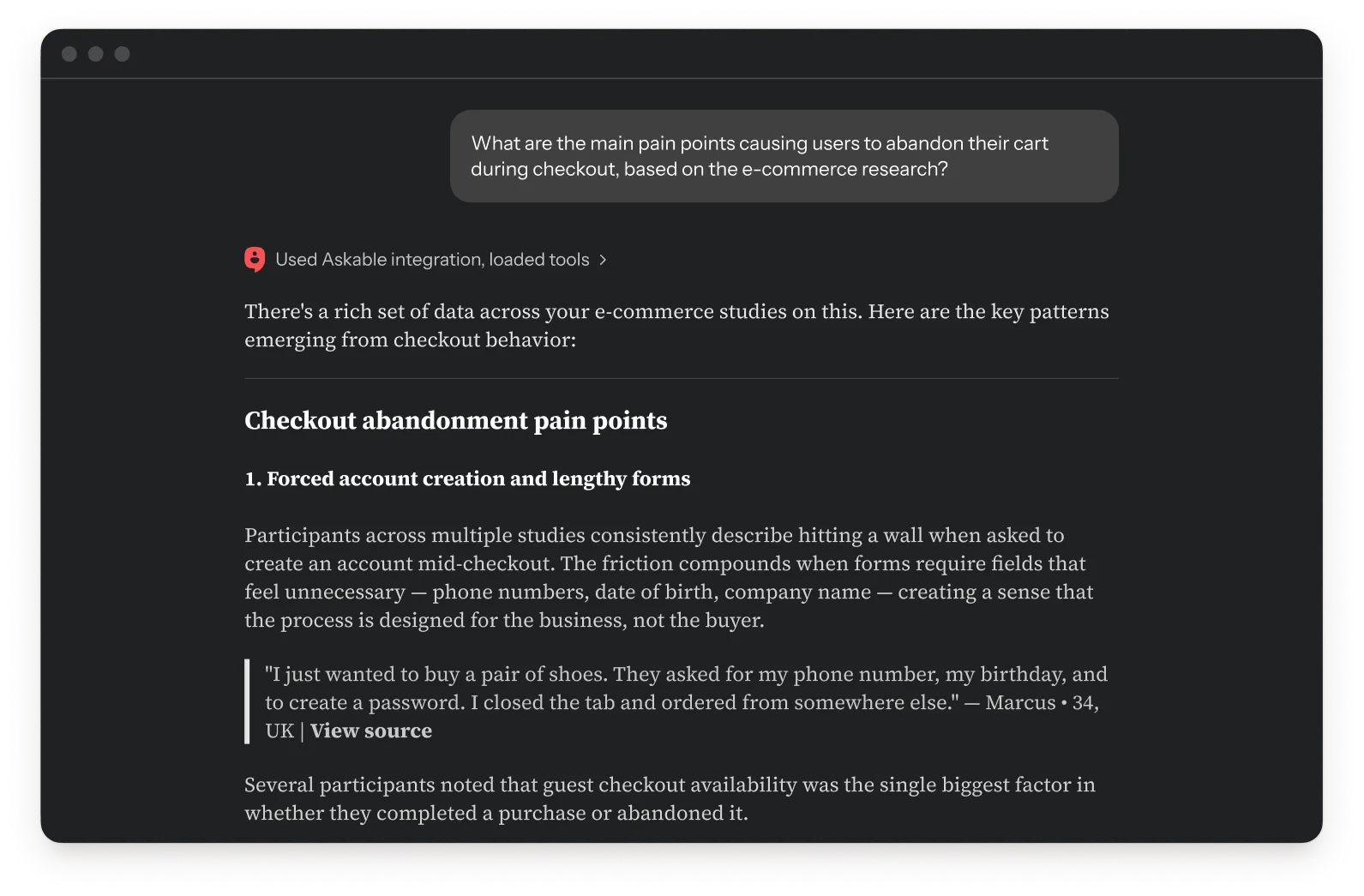
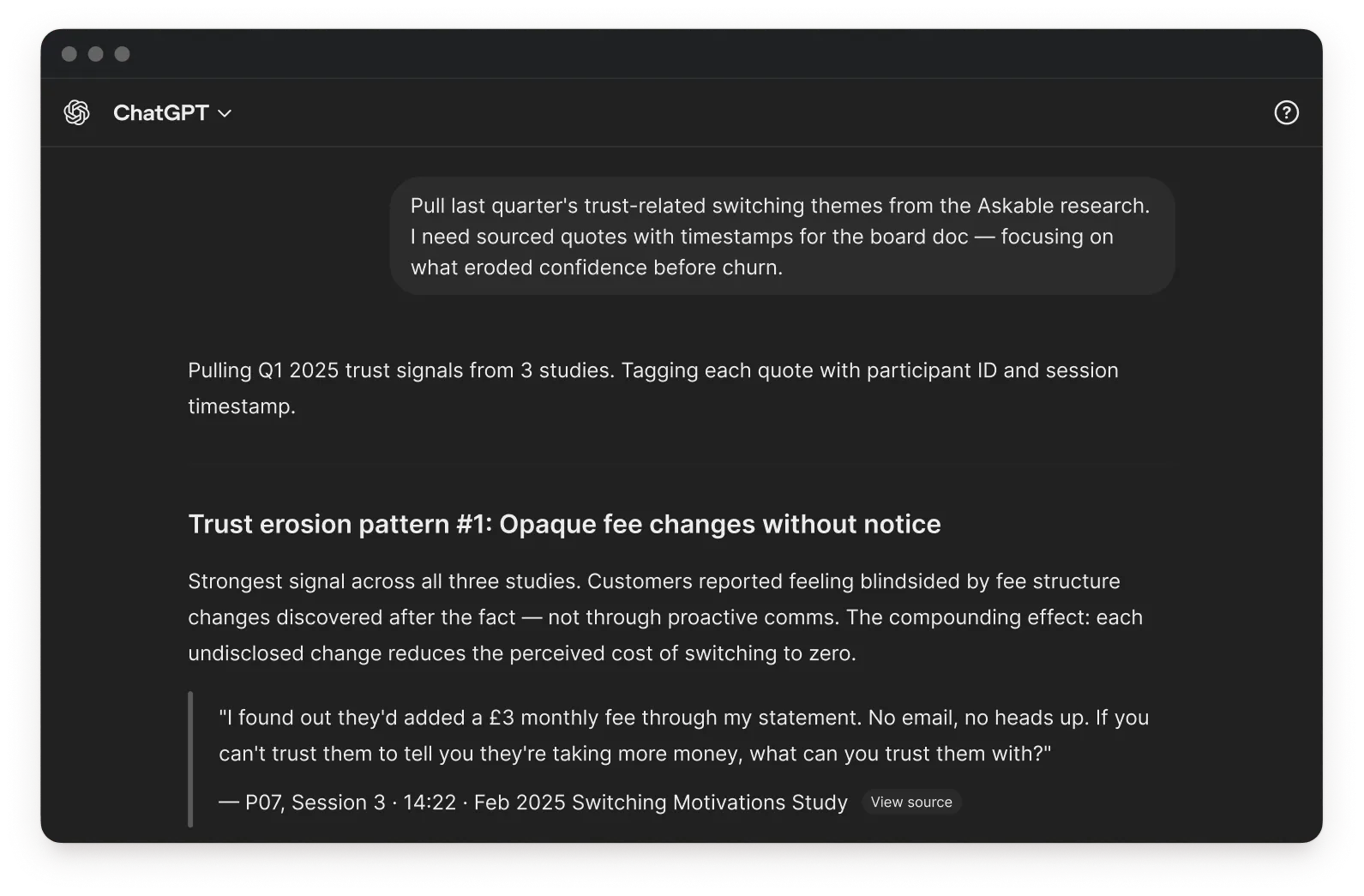
From question to tested prototype in hours
One person can run the whole loop.
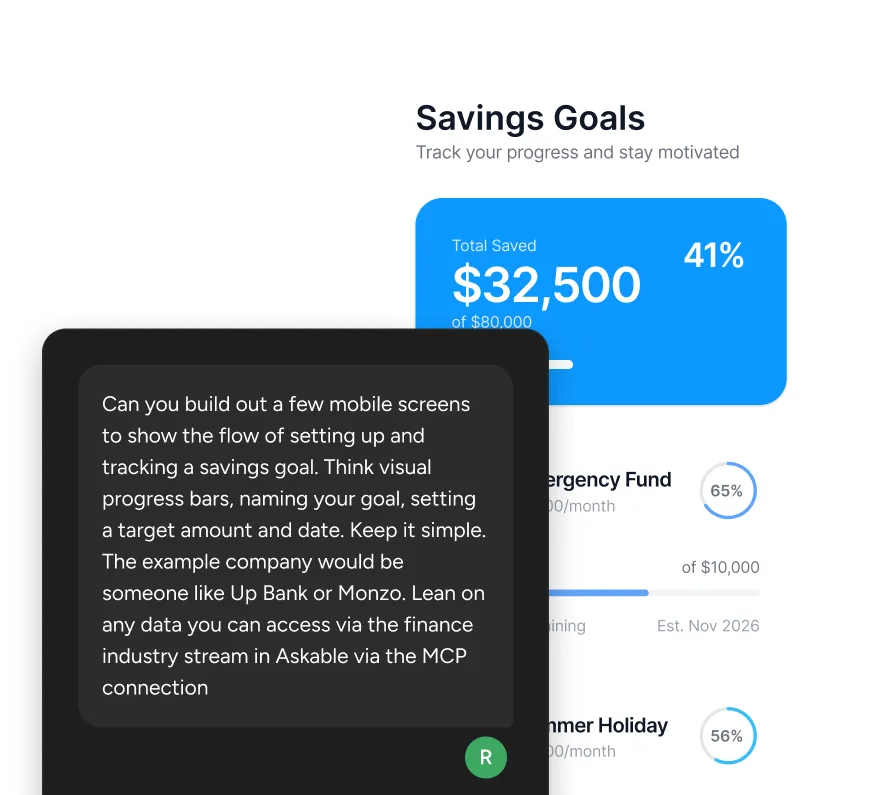
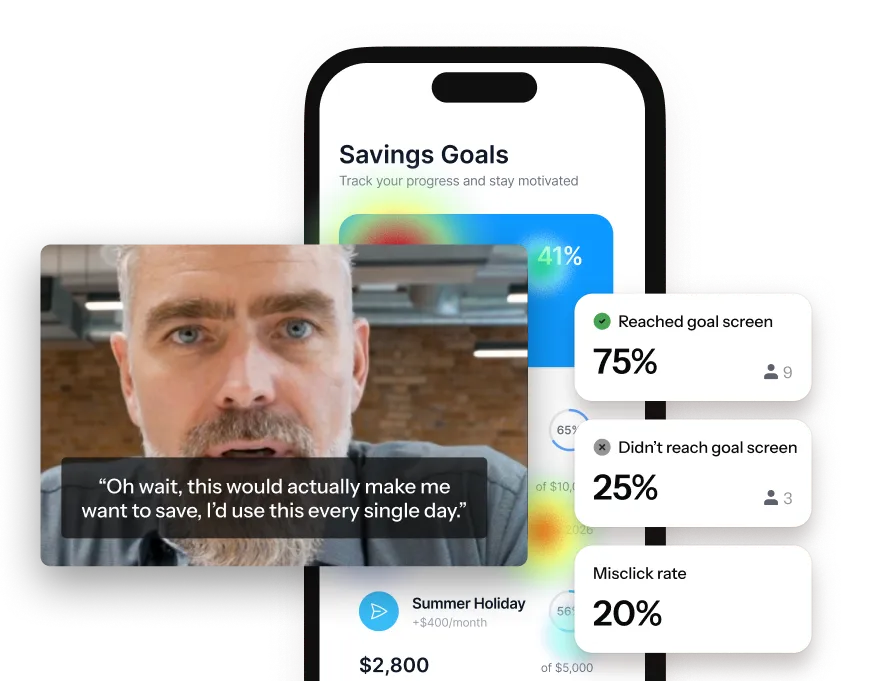
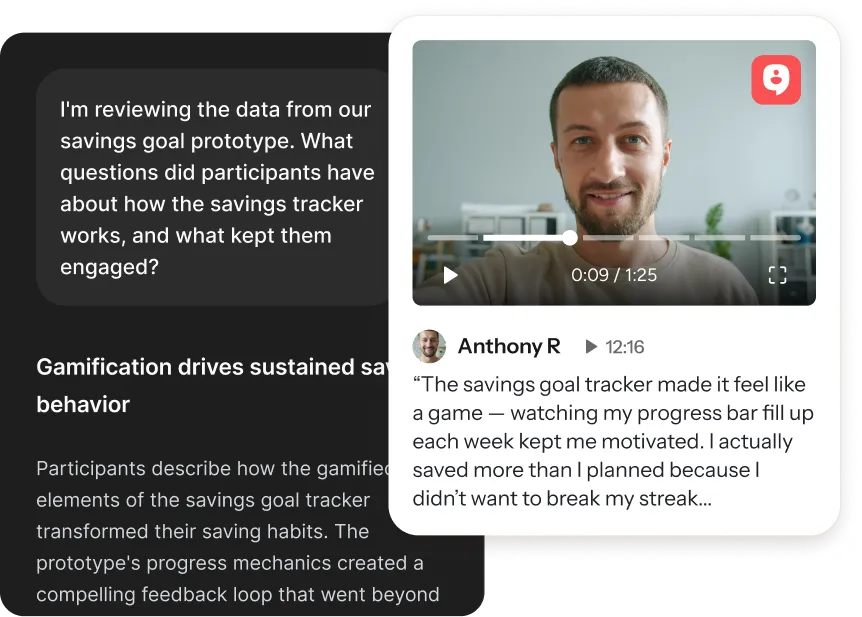
Uncover an opportunity
Build a prototype
Test the idea
Ask the next question
Everyone can ask. You keep control
A connector carries your workspace permissions with it, so what a person can do in the tools they already use is exactly what they can do in Askable.
Act on it where you are
Insights arrive with the quotes and participant context behind them, in the same place you're doing the work.
.webp)
The source is always there
Every quote carries a link back to the session. Sign in and watch the moment it was said, today or whenever someone wants to see it.

FAQs
Askable Connectors put your research inside the tools your team already uses. Ask a question in Claude, ChatGPT, Copilot, Cursor or Figma, and the answer comes back with the same insights and source links you'd get in Askable.
No. MCP is the open standard that lets a tool like Claude reach an outside system, and Askable speaks it. What it means for you is that Askable turns up as something your AI tool can ask, with your permissions and your source links intact. Any MCP-compatible client can connect.
Yes, and setup happens in two places. Your organization approves the Askable connector once, which is the step your IT or AI governance team signs off. After that each person links their own Askable account to their own tool, once, and it stays connected.
Any account on an AI-enabled team can connect, and Askable isn't priced per seat, so bringing in a colleague who only wants to ask questions doesn't add cost. Their account carries their permissions, and you can revoke access when they leave.
Because most people won't open a second tool to answer one question. A connector puts the answer where they're already working, alongside whatever else they have connected there, so the research turns up in the middle of their work instead of waiting for them somewhere else.
A connector carries your workspace permissions, so a person reaches exactly what they could reach signed in to Askable and nothing more. Insights and the quotes behind them come through with their participant context attached. Recordings and full sessions stay in Askable: follow a source link, sign in, and watch the moment it was said. Access can be revoked at any time.
No. Your data is not used to train AI models, and processing keeps each team's data separate. Full detail is in the Trust Center.
Connect once.
Decide anywhere.
Book a demo