
.svg)
Record a full unmoderated study
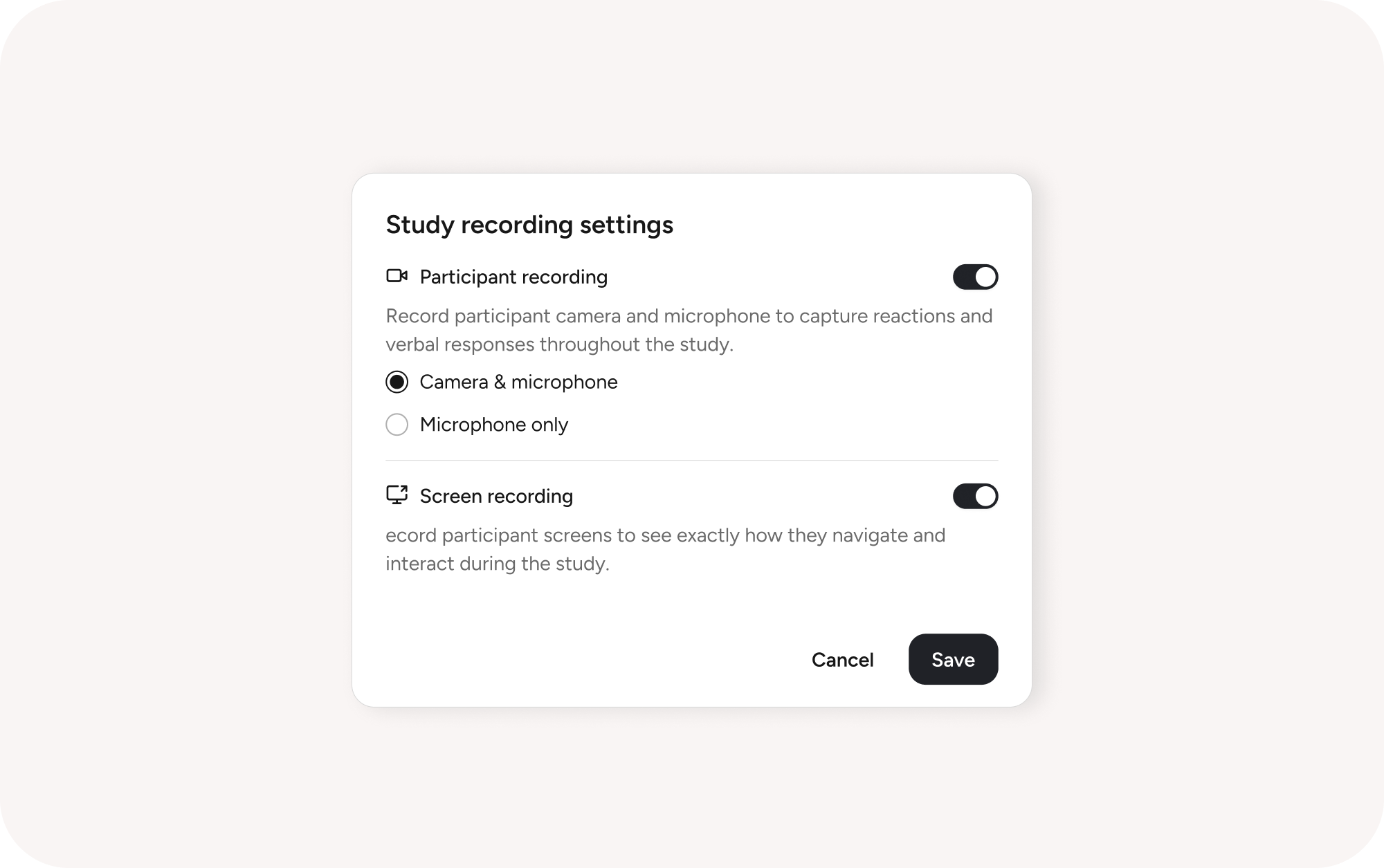
What's new: Unmoderated studies now record the entire session, not just task blocks. Camera, mic, and screen capture apply across every question and task type. When a participant hesitates on a follow-up or gives a one-word answer, you have the video to understand why. In results, watch or download the full session or any individual block.
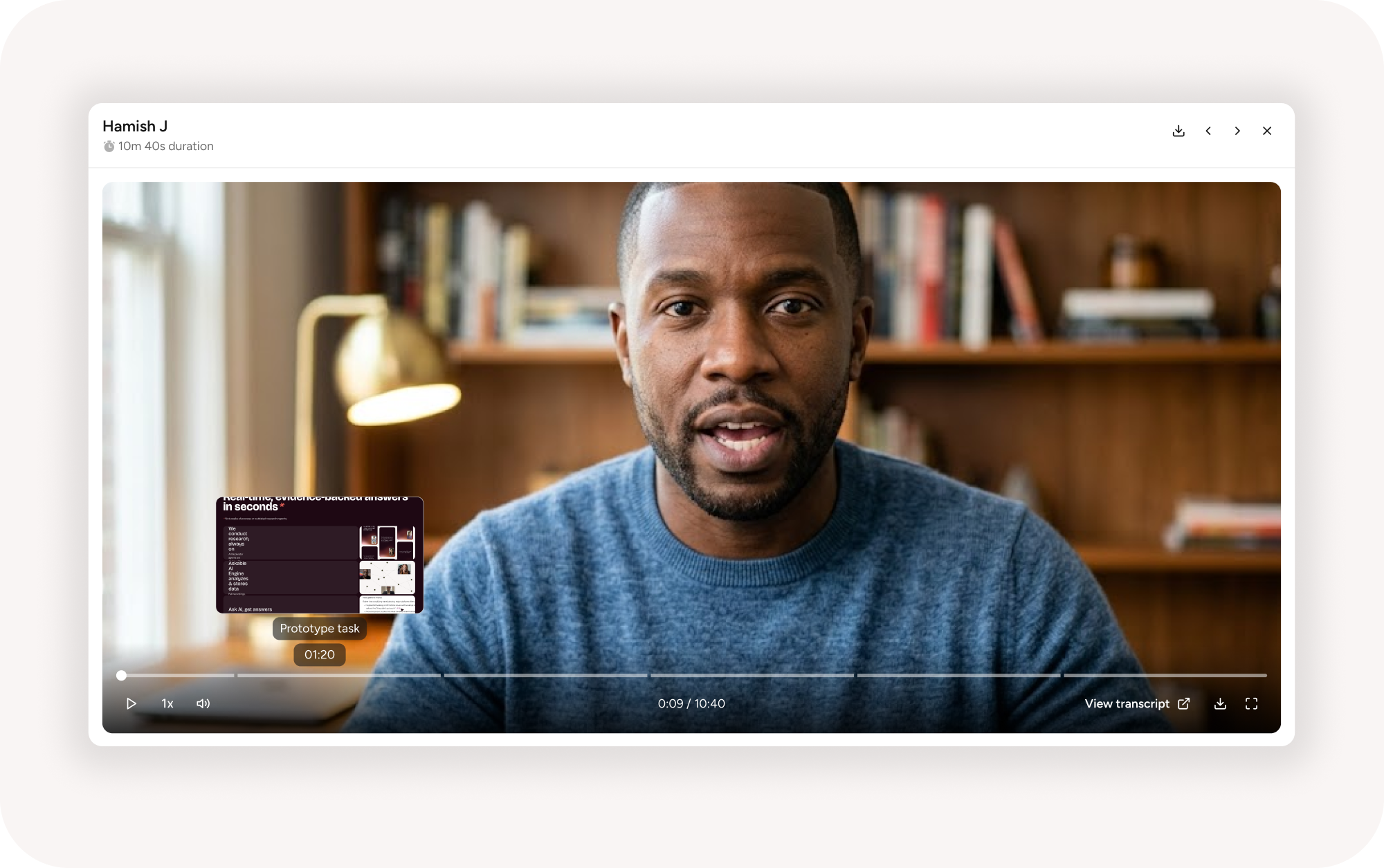
Why it matters: The most useful signal in unmoderated research often lands between the tasks. A participant thinks aloud, second-guesses, or reacts to a question, and until now that moment disappeared the second they moved on. Capturing the whole session keeps the reasoning attached to the response.
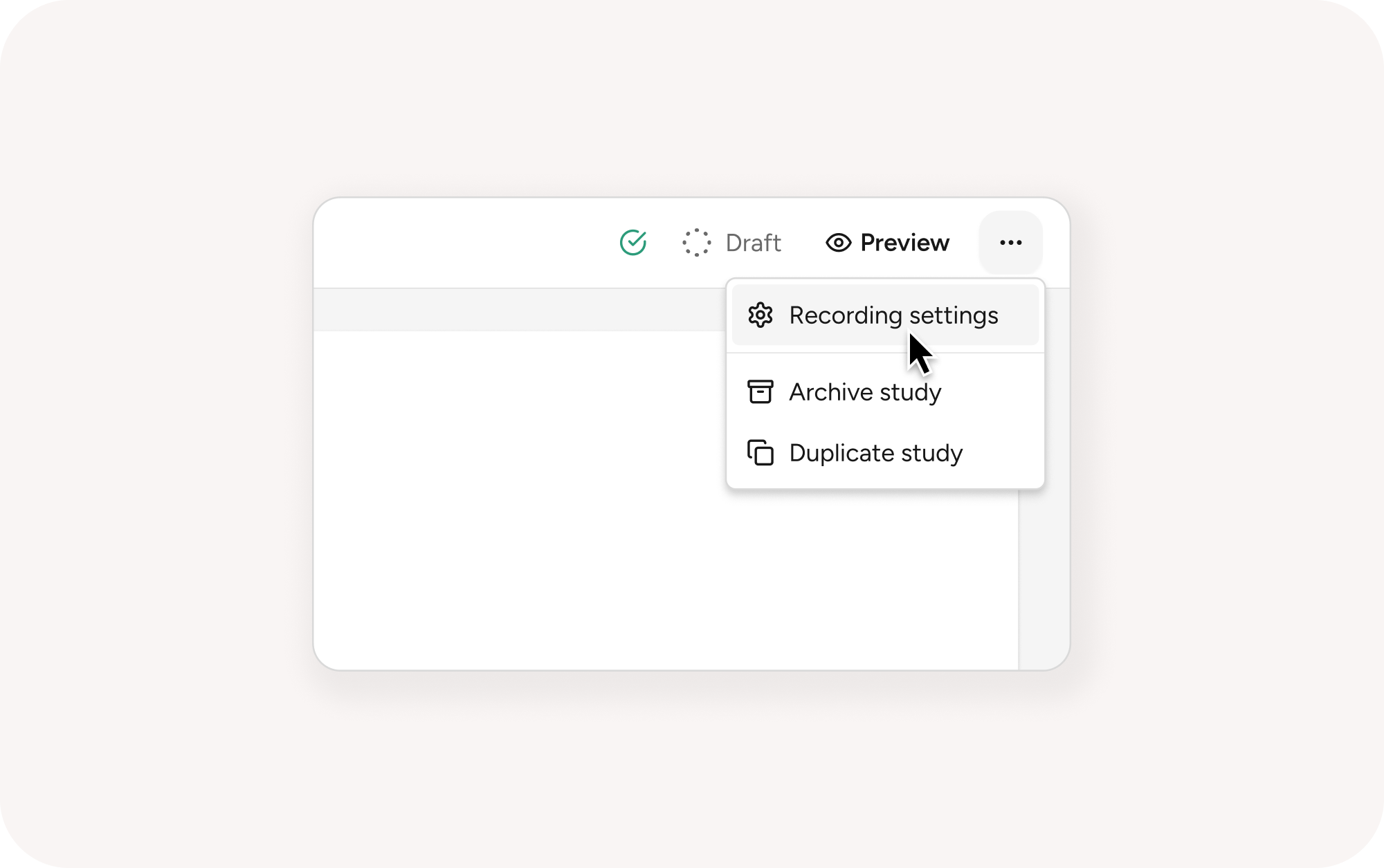
Getting started: Recording is set once at the study level in builder settings, not block by block. It's on by default, and you can change the recording mode or switch it off. Choose from camera and mic, mic only, screen only, or any combination.
For more info see help documentation